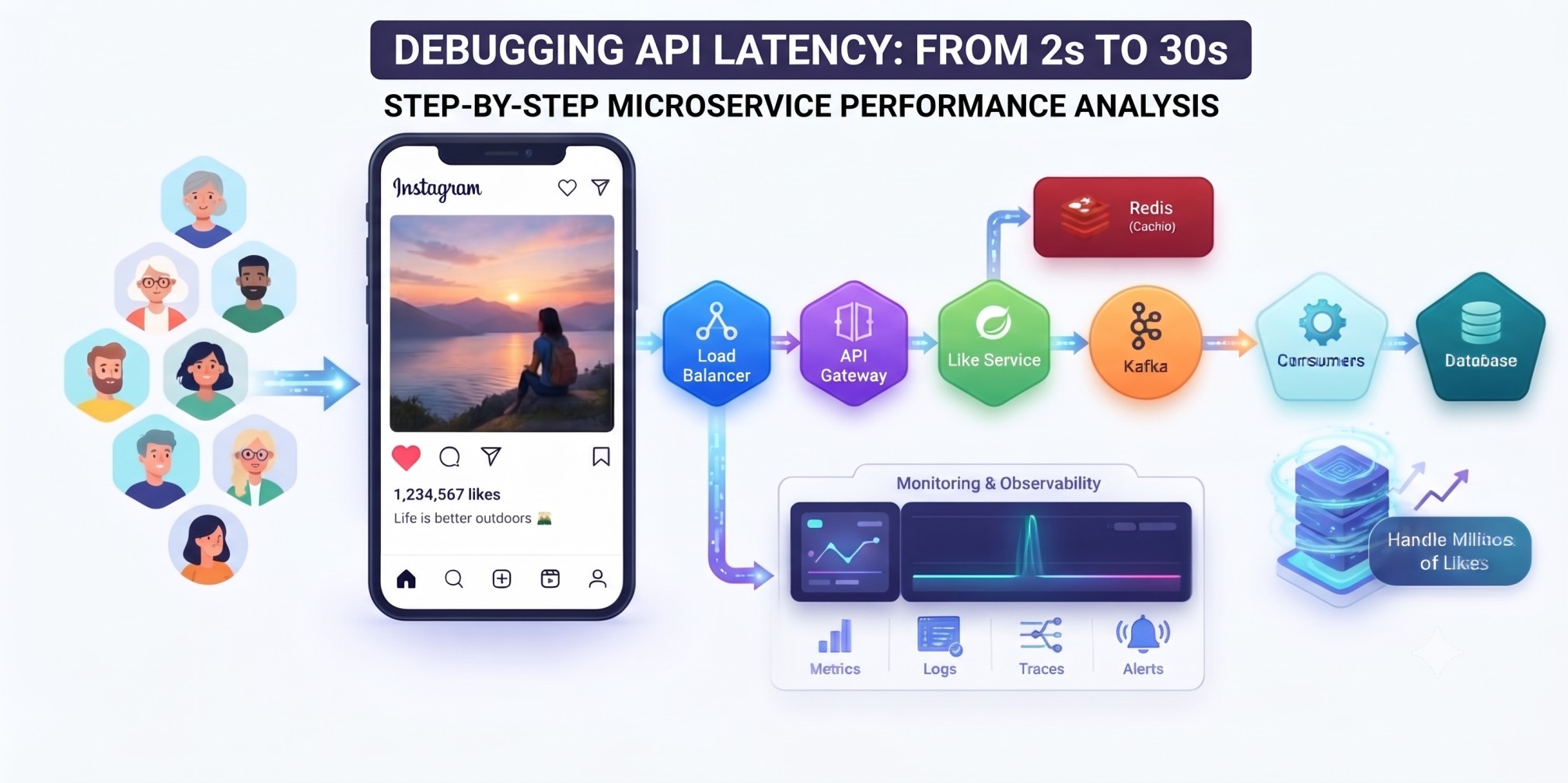
Imagine your API was working perfectly.
Normally:
Request → API → Response Response Time: 2 secondsEverything looks fine. 😎
But suddenly, users start complaining:
"The application is very slow."
You check the monitoring dashboard and see:
Before: API Response Time → 2 secNow: API Response Time → 30 sec 😨
So what do you do?
Do you immediately restart the server?
No.
First, you need to find where those extra 28 seconds are being spent.
Let's debug it step by step.
🧠 1. First Check: Is the Problem Really in Your API?
Don't immediately assume that your Spring Boot code is slow.
The request could be slow because of:
Client↓
Network
↓
Load Balancer
↓
API Gateway
↓
Spring Boot
↓
Database
↓
External Service
Any one of these layers could be responsible.
So the first question should be:
Which layer became slow?
📊 2. Check Monitoring Metrics
First, check your monitoring system.
Look at:
- CPU usage
- Memory usage
- Request rate
- Error rate
- Response time
- Database latency
- Thread pool
- Connection pool
For example:
CPU → 45% ✅ Memory → 60% ✅ Errors → Normal ✅ DB Latency → 25 sec ❌Now you already have a strong clue.
The API may not be the actual problem.
The database could be the bottleneck.
🔍 3. Check Logs
Next, check application logs around the time the latency increased.
For example:
10:30:01 Request received 10:30:02 User validation completed 10:30:03 Order service called 10:30:28 Database response received 10:30:30 Response sentNow it's obvious.
Database call↓
25 seconds 😨
So instead of debugging the entire application, you can focus on the database call.
🧩 4. Use Distributed Tracing
If your application uses microservices, logs alone may not be enough.
Imagine:
API Gateway↓
Order Service
↓
Payment Service
↓
Database
You need to know which service is consuming the time.
A distributed trace might show:
API Gateway → 100 msOrder Service → 200 ms
Payment Service → 28 sec ❌
Database → 27 sec ❌
Now you know exactly where to investigate.
Tools such as Zipkin, Jaeger, or OpenTelemetry can help with this kind of tracing.
🗄️ 5. Check the Database
Database problems are one of the common reasons for sudden API latency.
Check:
- Slow queries
- Missing indexes
- Database CPU
- Connection pool exhaustion
- Locking
- Long-running transactions
- Increased database traffic
For example:
SELECT * FROM orders WHERE customer_id = ?;If this query used to take:
50 msand now takes:
20 secondsyou need to investigate the query and database state.
Maybe an index is missing.
🧵 6. Check Thread and Connection Pools
Your database might be healthy, but your application may be waiting for a connection.
For example:
100 Requests↓
Connection Pool
↓
Only 10 connections available
↓
90 Requests Waiting
This can dramatically increase response time.
So check:
Active Connections Idle Connections Waiting Threads Pool Size Connection TimeoutDon't simply increase the pool size blindly.
If the database itself can handle only 50 connections, increasing your application pool to 500 can make things worse.
🌐 7. Check External APIs
Your application may depend on another service.
For example:
Your API↓
Payment API
↓
Response
Normally:
Payment API → 500 msSuddenly:
Payment API → 25 secondsYour API will also become slow.
So always check external dependencies.
⚡ 8. Check Cache
Suppose your application normally gets data from Redis:
API ↓ Redis ↓ ResponseBut suddenly Redis isn't responding properly.
Or the cache hit rate drops:
Before: Cache Hit Rate → 95% ✅ Now: Cache Hit Rate → 20% ❌Now many more requests are hitting the database.
Cache Miss ↓ Database ↓ Database overloaded ↓ API becomes slowThis is why cache metrics are also important.
🚨 9. Check What Changed
This is one of my favorite debugging questions:
"What changed?"
Compare the system before and after the problem.
Maybe someone:
- deployed new code
- changed a database query
- removed an index
- changed configuration
- increased traffic
- changed cache settings
- modified an external API integration
For example:
10:00 AM → Deployment10:05 AM → API latency increased
That's a very strong signal.
🎯 My Debugging Approach
If I were debugging this production issue, my flow would be:
API Latency Increased
        ↓
Check Monitoring
        ↓
Check Logs
        ↓
Check Distributed Tracing
        ↓
Find Slow Component
        ↓
Database?
   ↙          ↘
 YES           NO
 ↓              ↓
Query/Pool     External API?
/Index         Cache?
               Thread Pool?
        ↓
Find Root Cause
        ↓
Fix + MonitorThe key is:
Don't guess. Measure first.
🧠 Example
Suppose your API suddenly goes from:
2 sec → 30 secYou check the trace:
API → 1 secOrder Service → 1 sec
Payment Service → 27 sec ❌
Then Payment Service logs show:
Waiting for DB connection...You check the connection pool:
Active: 100 Max: 100 Waiting: 500Now you have a much better understanding:
Database Connection Pool Exhausted↓
Requests Waiting
↓
API Response Time ↑
That's the kind of root-cause debugging you want to do.
🔥 Final Takeaway
When an API suddenly goes from 2 seconds to 30 seconds, don't start changing random configurations.
Follow the request:
Request↓
Gateway
↓
Application
↓
Cache
↓
Database
↓
External Services
Measure each layer and find where the time is actually being spent.
The most important rule is:
"Find the bottleneck first. Fix it second."